Understandable asks: does it make sense? Jargon, vague labels and errors like “Invalid input” leave people guessing. That affects people with cognitive disabilities and people reading in a second language most, but confusion costs everyone time.
Who it helps
People with cognitive or learning disabilities
People with dyslexia
People reading in a second language
Anyone who is tired, stressed or in a hurry
What to do
Write in plain language: short sentences and common words.
Give every form field a visible label that says what to enter.
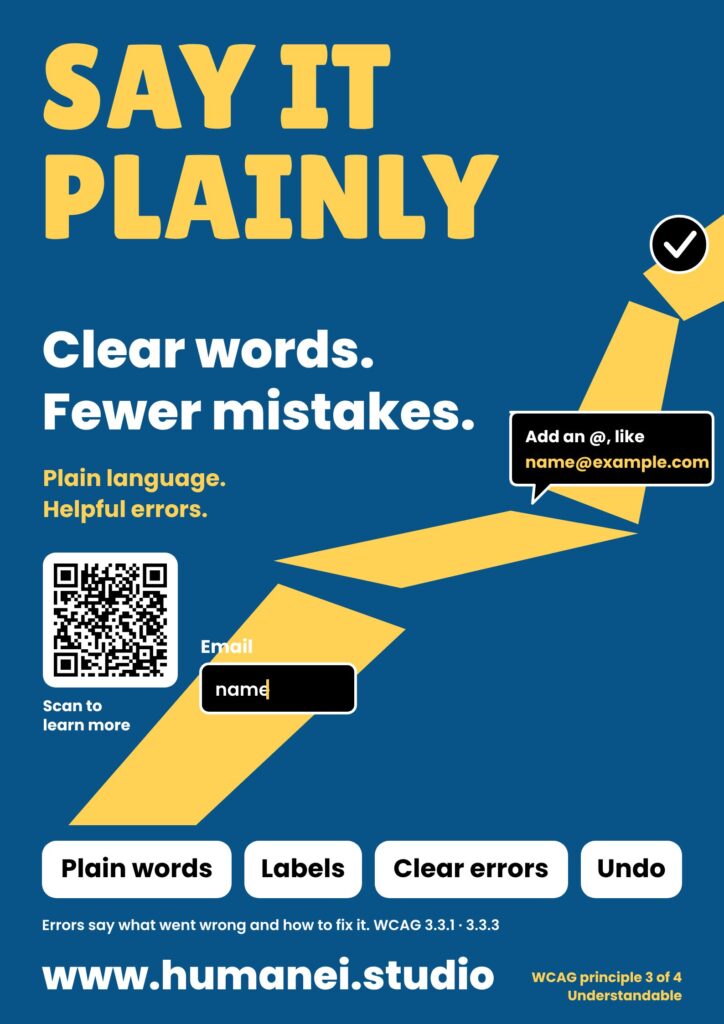
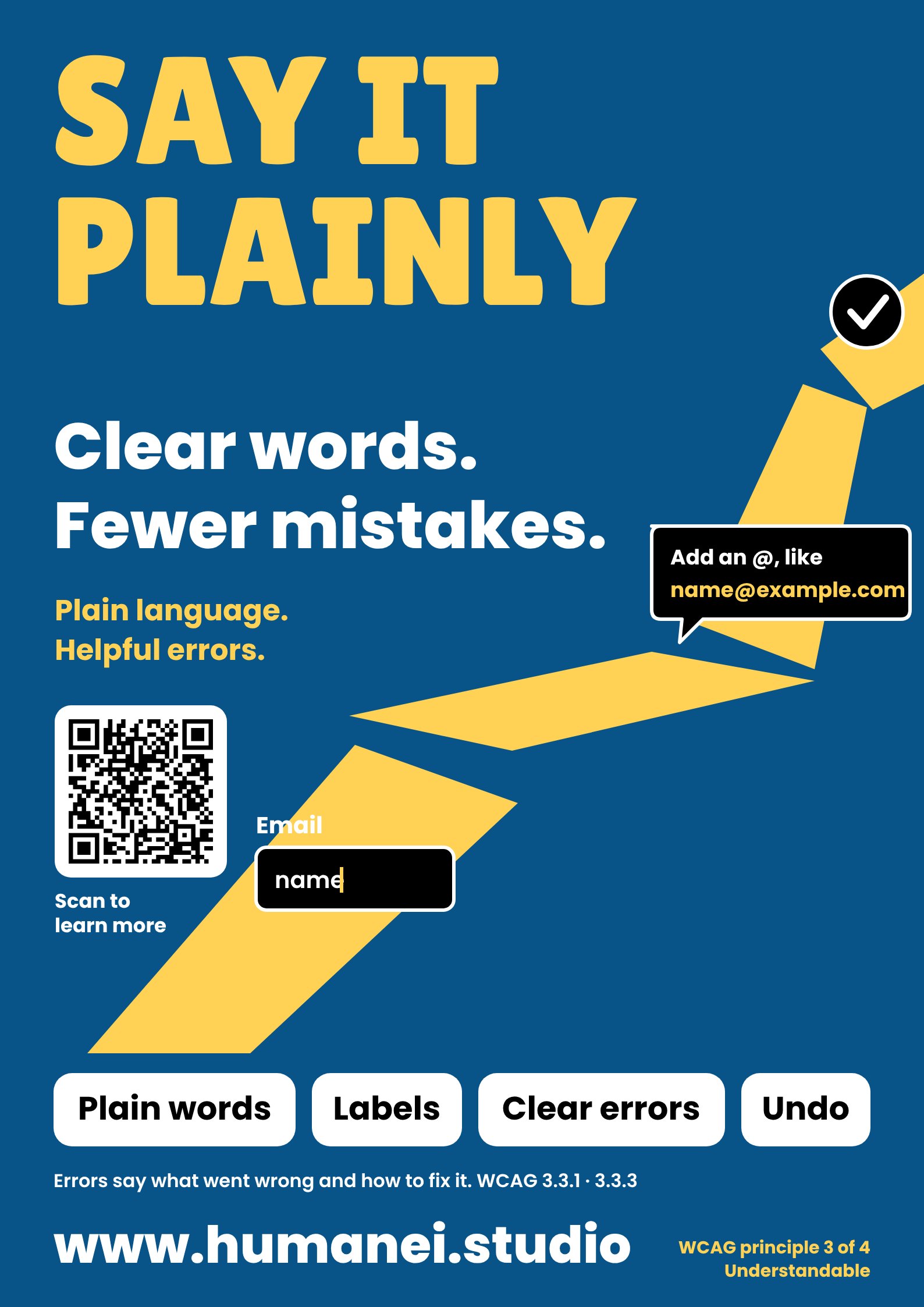
When something goes wrong, say what happened and how to fix it: “Add an @, like name@example.com”, not “Invalid”.
Keep menus and buttons in the same place, with the same names, on every page.
Try it yourself
Make a mistake on your own contact form on purpose. Does the error say what went wrong, where, and how to fix it?
The WCAG 2.2 success criteria
These are the rules behind this poster. Each link opens the official W3C explanation.
I'd like to use Google Analytics and PostHog to see which pages are useful. They only run if you say yes, and you can change your mind any time under “Cookie settings” in the footer. Read the privacy policy.
 (open the full-size poster)
 (open the full-size poster)