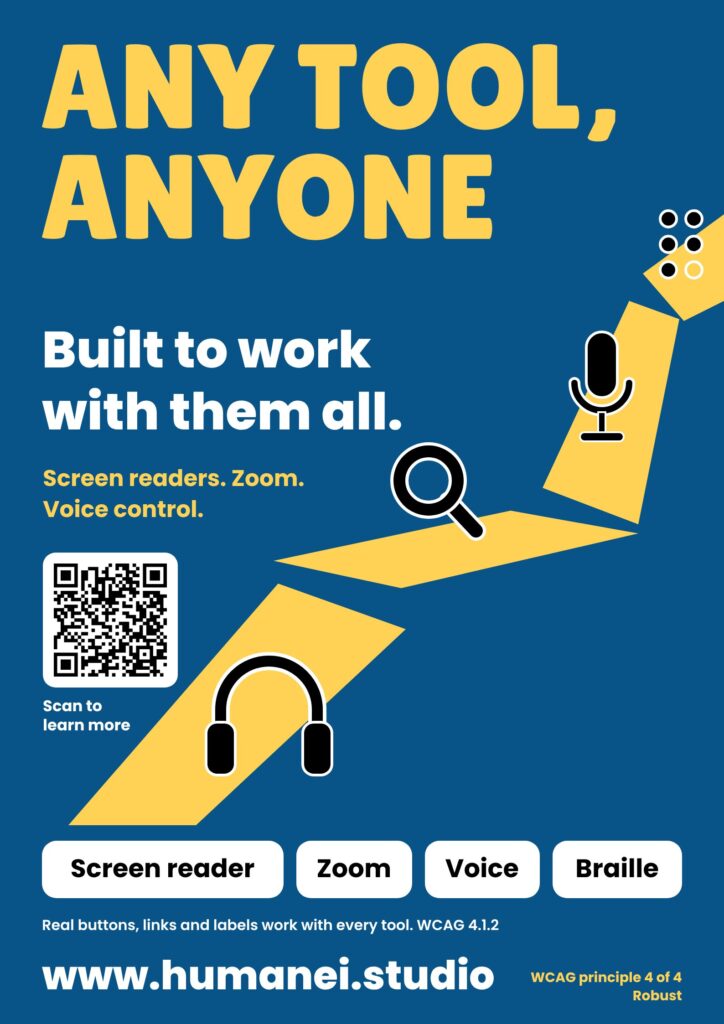
Robust asks: will it work with assistive technology? Those tools read the code, not the pixels. A “button” made from a styled box can look perfect and still announce nothing. Real HTML elements with clear names let every tool understand the page.
Who it helps
Screen reader users
People who use voice control, saying things like “click Next”
Braille display users
People who zoom in or use their own colours, and the browsers and devices of the future
What to do
Use real HTML: a button element for actions, a link for going somewhere, and a label for every form field.
Give every control a name that says what it does, including icon-only buttons.
When something changes, such as a menu opening or a message appearing, make sure assistive technology is told.
Test with a screen reader. NVDA on Windows and VoiceOver on Mac and iPhone are free.
Try it yourself
Turn on VoiceOver on a Mac (Command + F5) or NVDA on Windows, and press Tab through your home page. Does every button say what it does?
The WCAG 2.2 success criteria
These are the rules behind this poster. Each link opens the official W3C explanation.
I'd like to use Google Analytics and PostHog to see which pages are useful. They only run if you say yes, and you can change your mind any time under “Cookie settings” in the footer. Read the privacy policy.
 (open the full-size poster)
 (open the full-size poster)