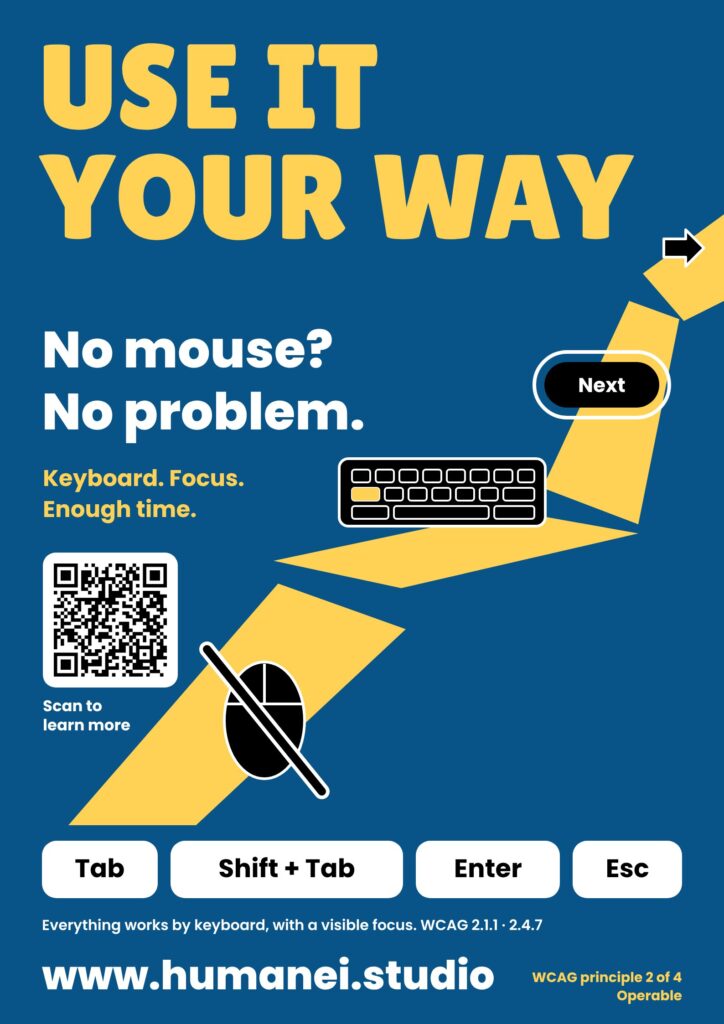
Operable asks: can everyone use the controls? Many people move through websites with only a keyboard, a switch or their voice. If a menu, button or form only works with a mouse, they are stuck. And if the focus outline is hidden, keyboard users lose their place on the page.
Who it helps
People with motor disabilities or tremors
Blind people using screen readers, which rely on the keyboard
People using switches or voice control
Anyone with a broken trackpad or an arm in a cast
What to do
Make every link, button, menu and form work with the keyboard alone.
Keep a clear, visible focus outline. Never remove it without a better replacement.
Make sure focus never gets trapped, and that Esc closes pop-ups.
Give people enough time: warn them before a time limit runs out and let them extend it.
Try it yourself
Put your mouse away. Press Tab to move forward, Shift + Tab to go back, and Enter or Space to press. Can you reach and use everything? Can you always see where you are?
The WCAG 2.2 success criteria
These are the rules behind this poster. Each link opens the official W3C explanation.
I'd like to use Google Analytics and PostHog to see which pages are useful. They only run if you say yes, and you can change your mind any time under “Cookie settings” in the footer. Read the privacy policy.
 (open the full-size poster)
 (open the full-size poster)