WCAG principle 1 of 4
Perceivable
Information has to reach people through a sense they can use. If someone cannot see an image or hear a video, the content needs another way in.
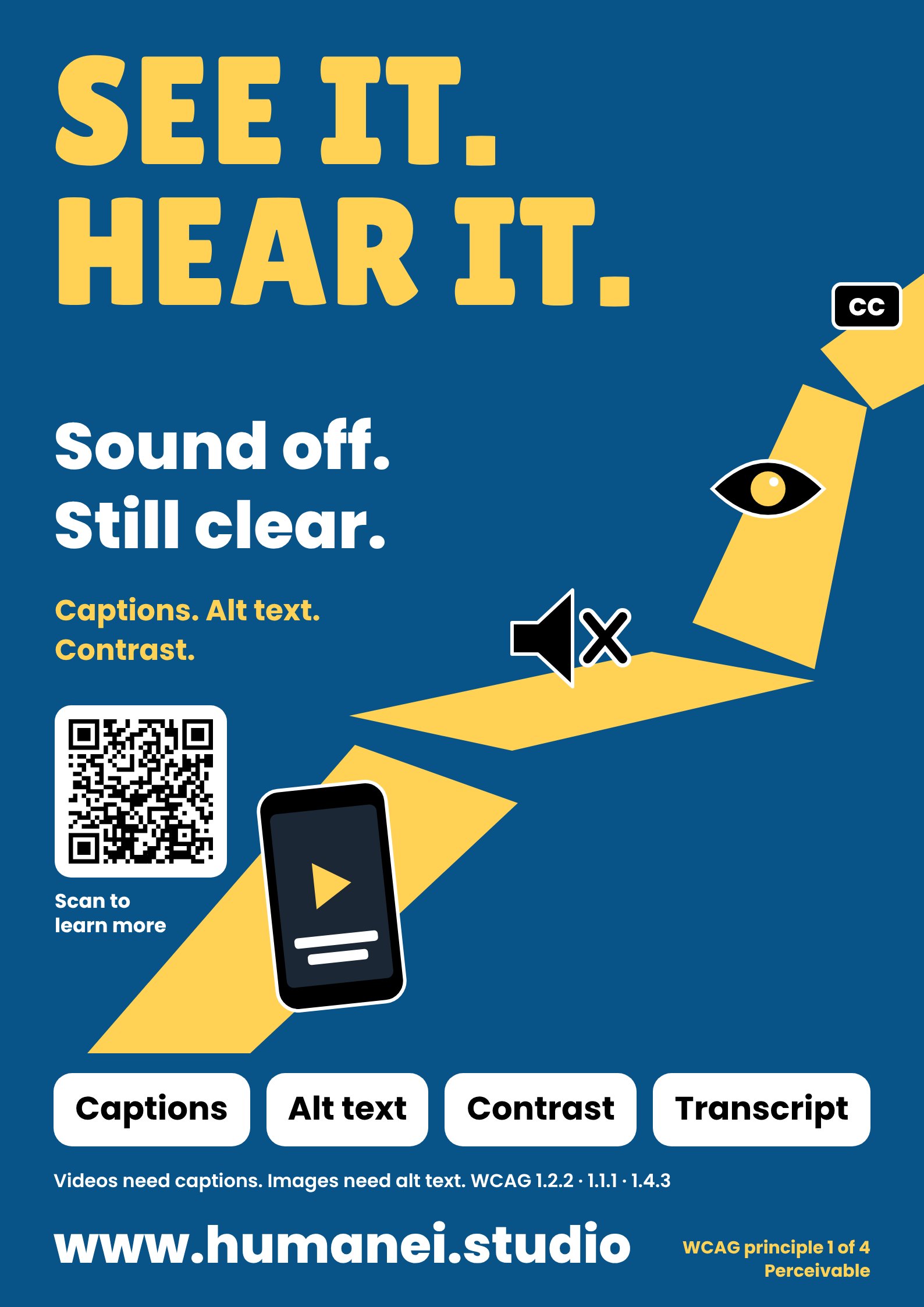 (open the full-size poster)
What it means
Perceivable is the first of the four WCAG principles. It asks one question: can everyone get the information, whatever senses they use? A video with sound but no captions shuts out people who are deaf, and anyone watching on a quiet train. An image with no text description is invisible to someone using a screen reader. Pale grey text on white disappears for people with low vision, and for everyone in bright sunlight.
Who it helps
- Deaf and hard of hearing people
- Blind and low-vision people
- People with colour blindness
- Everyone watching with the sound off, outside in the sun or on a small screen
What to do
- Add captions to every video with sound, and check them by hand: automatic captions make mistakes.
- Give every meaningful image alt text that says what it shows or does. Purely decorative images get an empty alt.
- Make normal text at least 4.5:1 contrast against its background, and large text at least 3:1.
- Offer a transcript for audio and video, so people can read at their own pace.
Try it yourself
Watch one of your own videos with the sound off. Then read one of your pages on your phone outside in daylight. What did you miss?
The WCAG 2.2 success criteria
These are the rules behind this poster. Each link opens the official W3C explanation.